


One prompt library.Every AI workflow you use.
Save the prompts you want to reuse, mark the details that change, and bring them back when you need them. One library in your account, with a free extension for ChatGPT, Claude, Gemini and Perplexity.
The extension runs in Chrome or Edge on a computer. Start free here, and add it when you're at your desk.
First 50 prompts included · No card required · Continue with Google

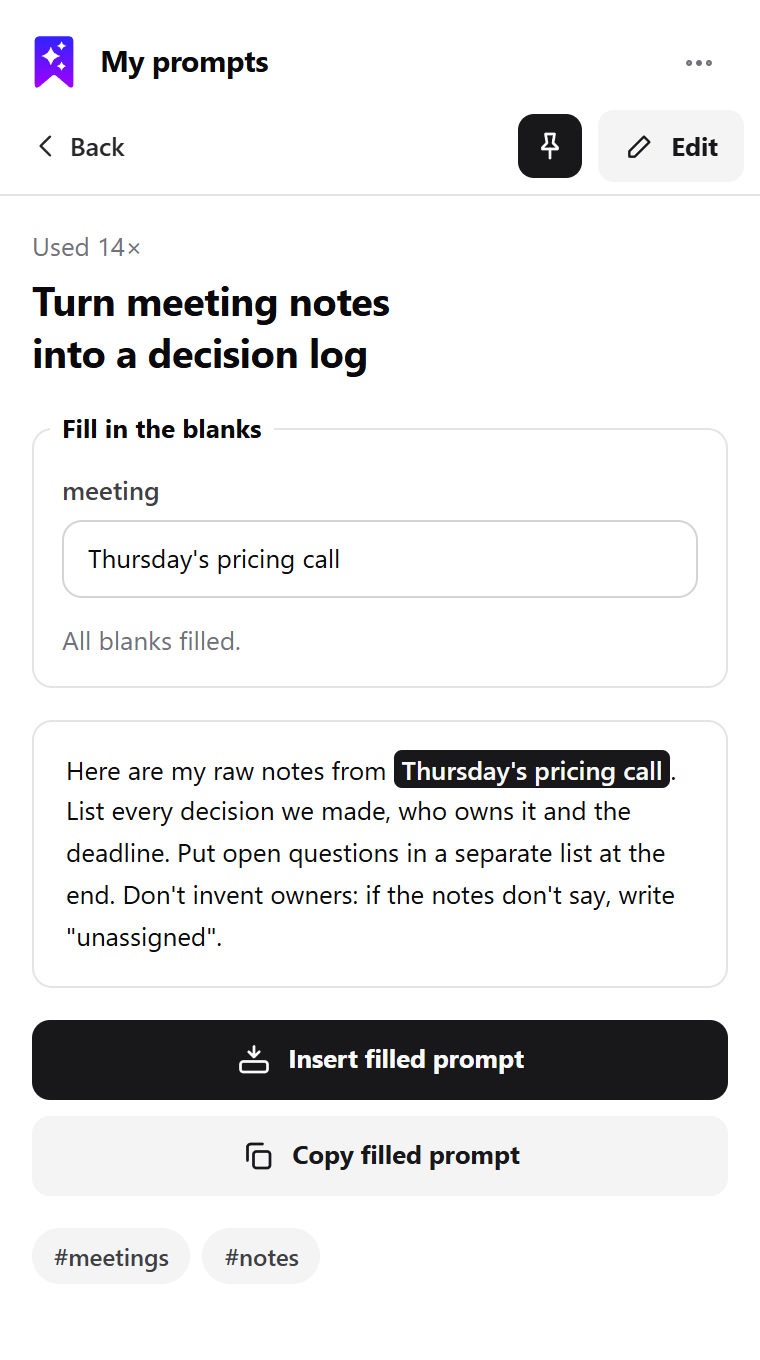
Free extension for ChatGPT, Claude, Gemini and Perplexity
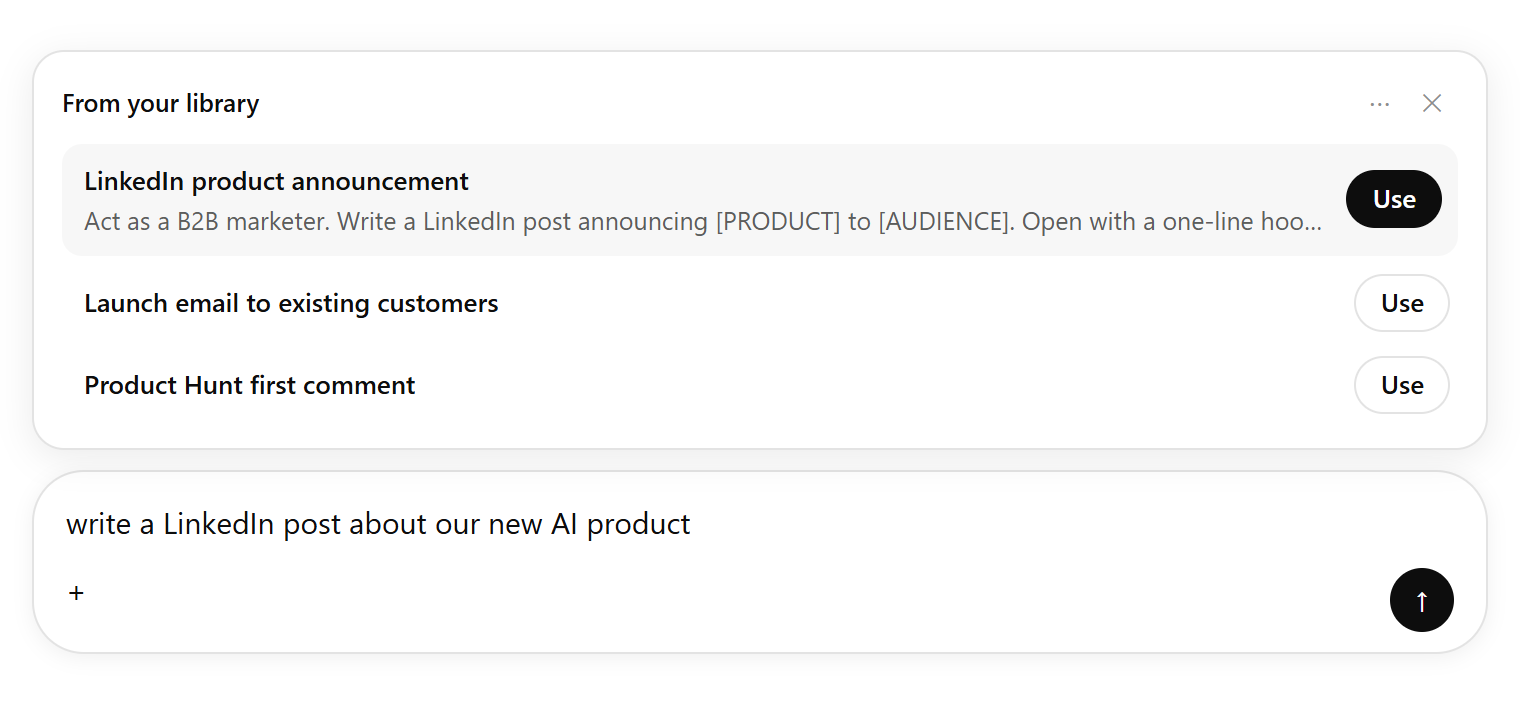
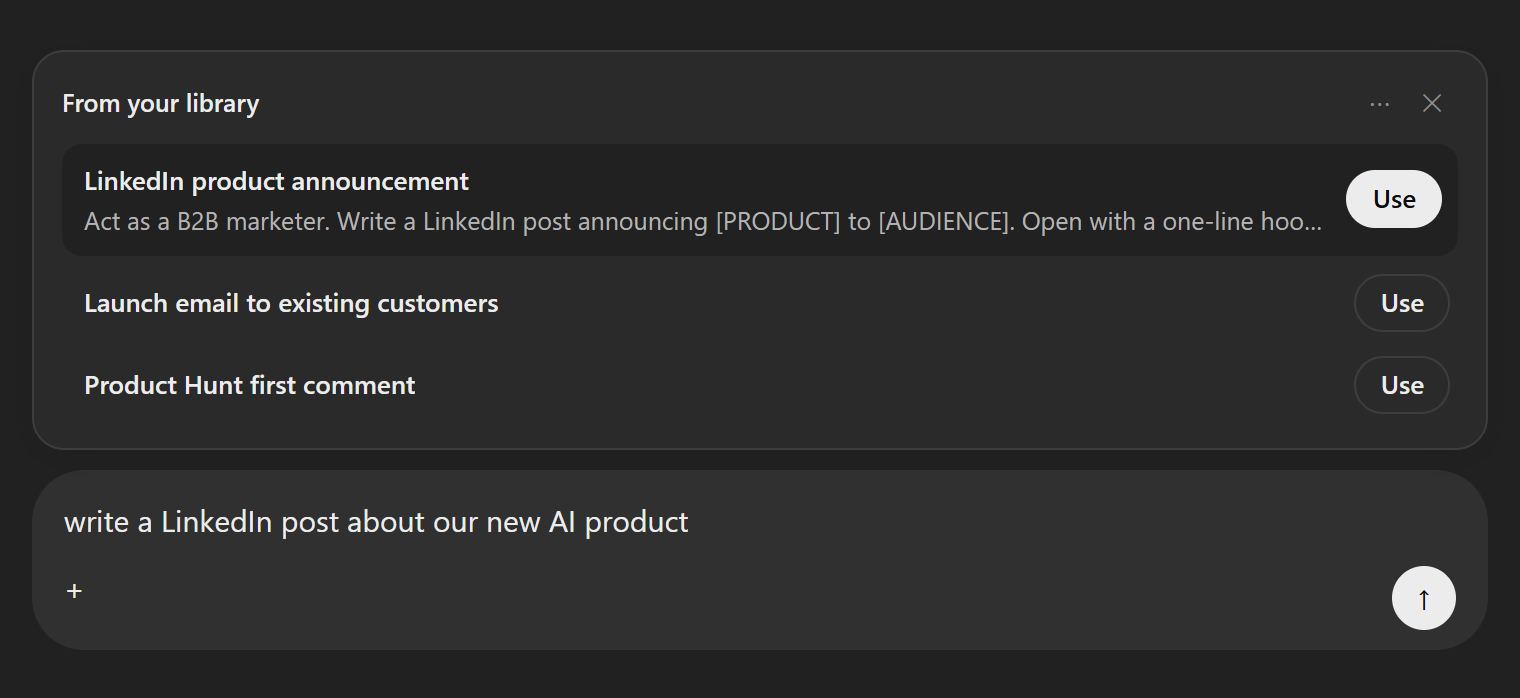
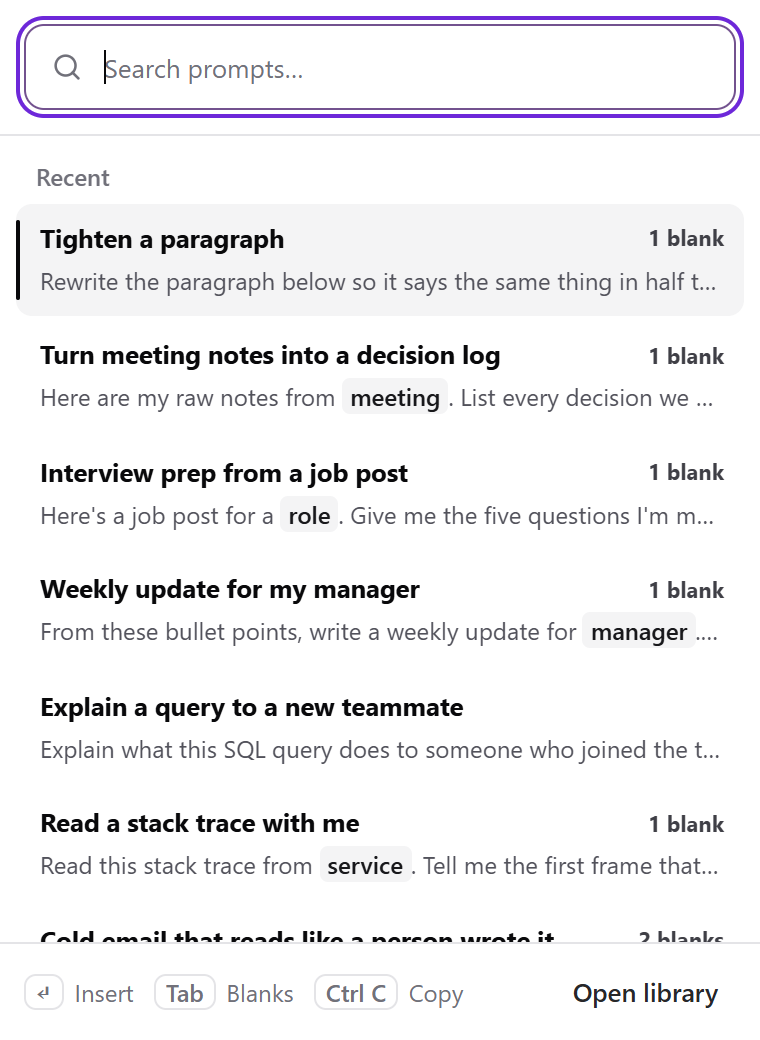
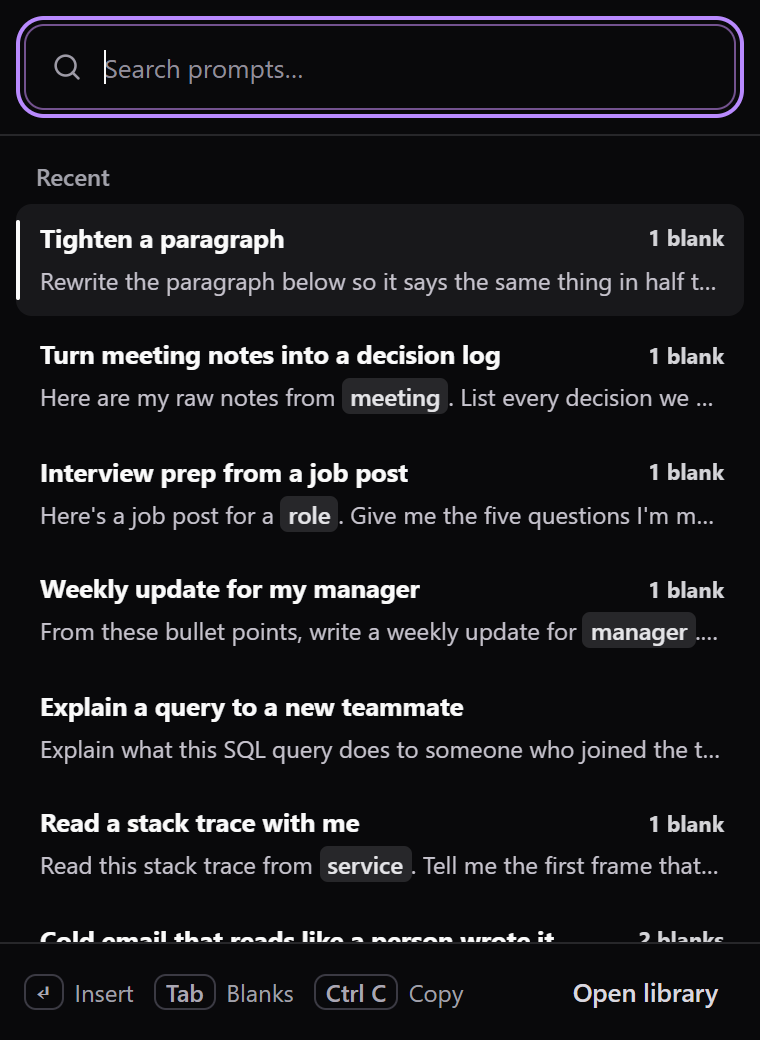
Find prompts beside your AI chat
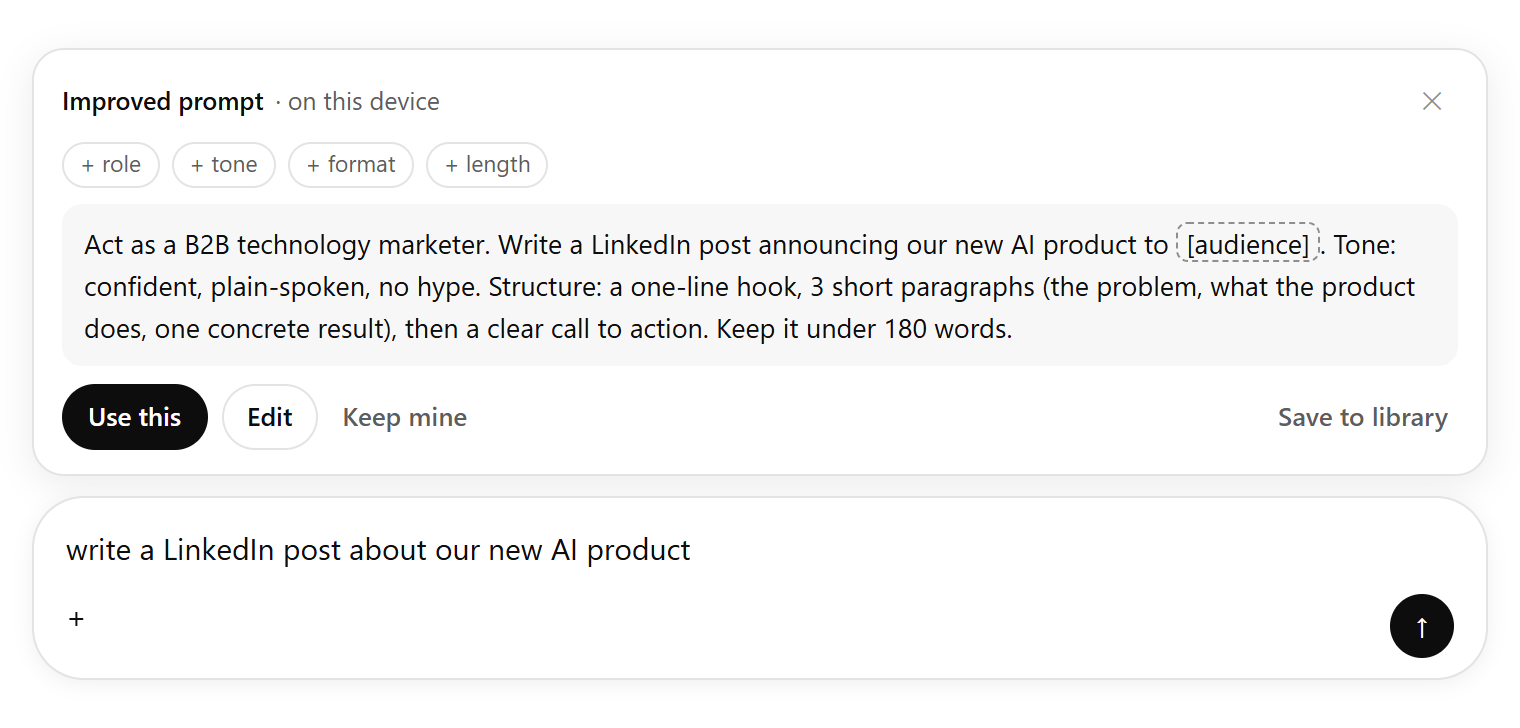
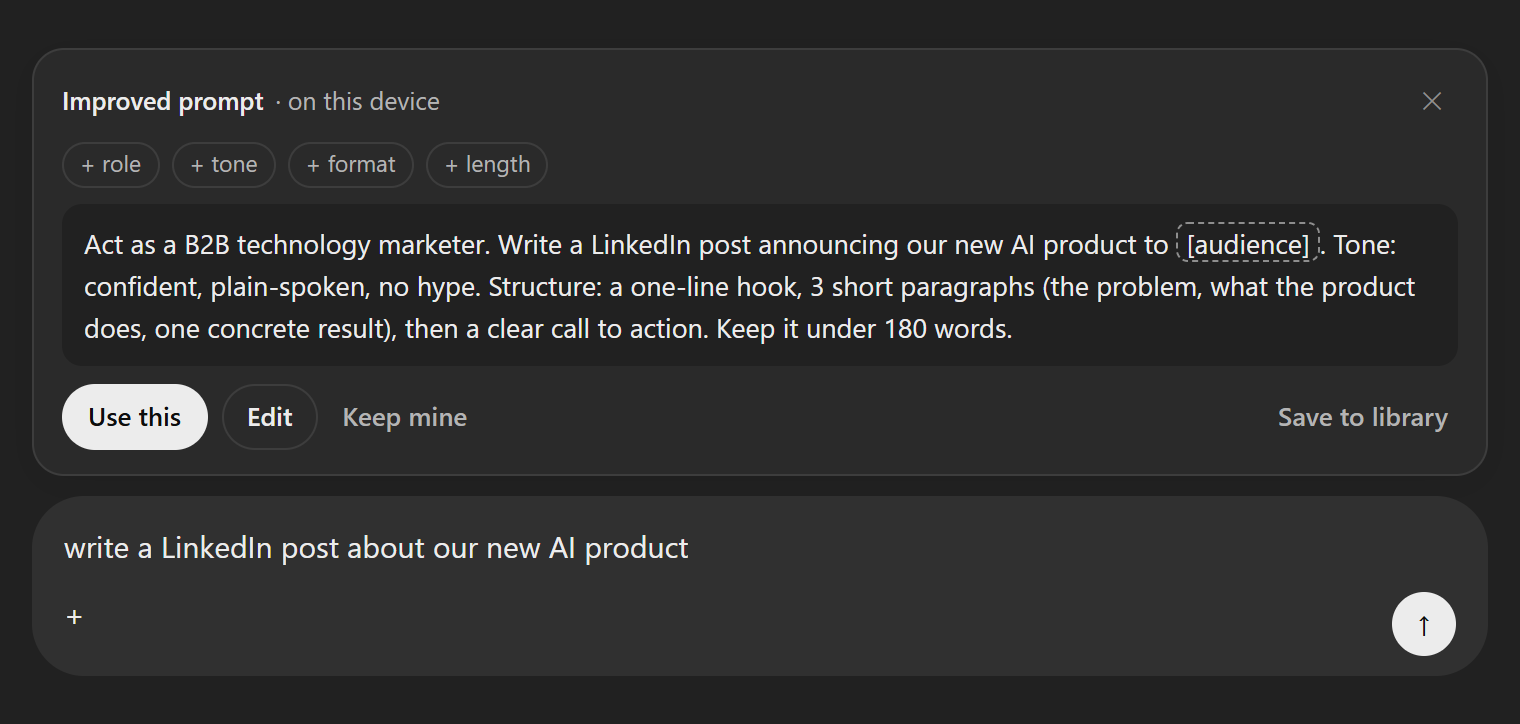
The extension for Chrome and Edge opens your library in a side panel next to ChatGPT, Claude, Gemini and Perplexity. Search it, choose a prompt, check the filled-in text and insert it; you still press send. On Copilot, copy it and paste.
Get the extension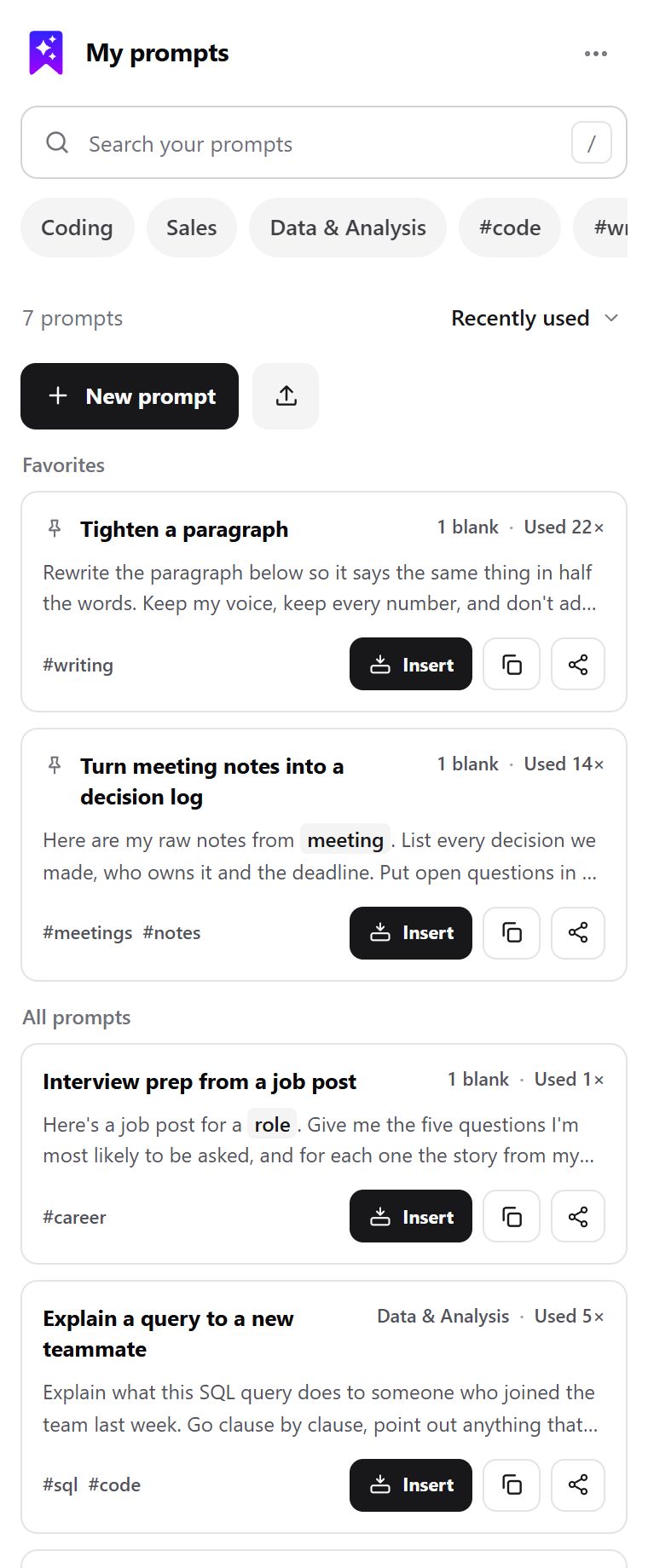
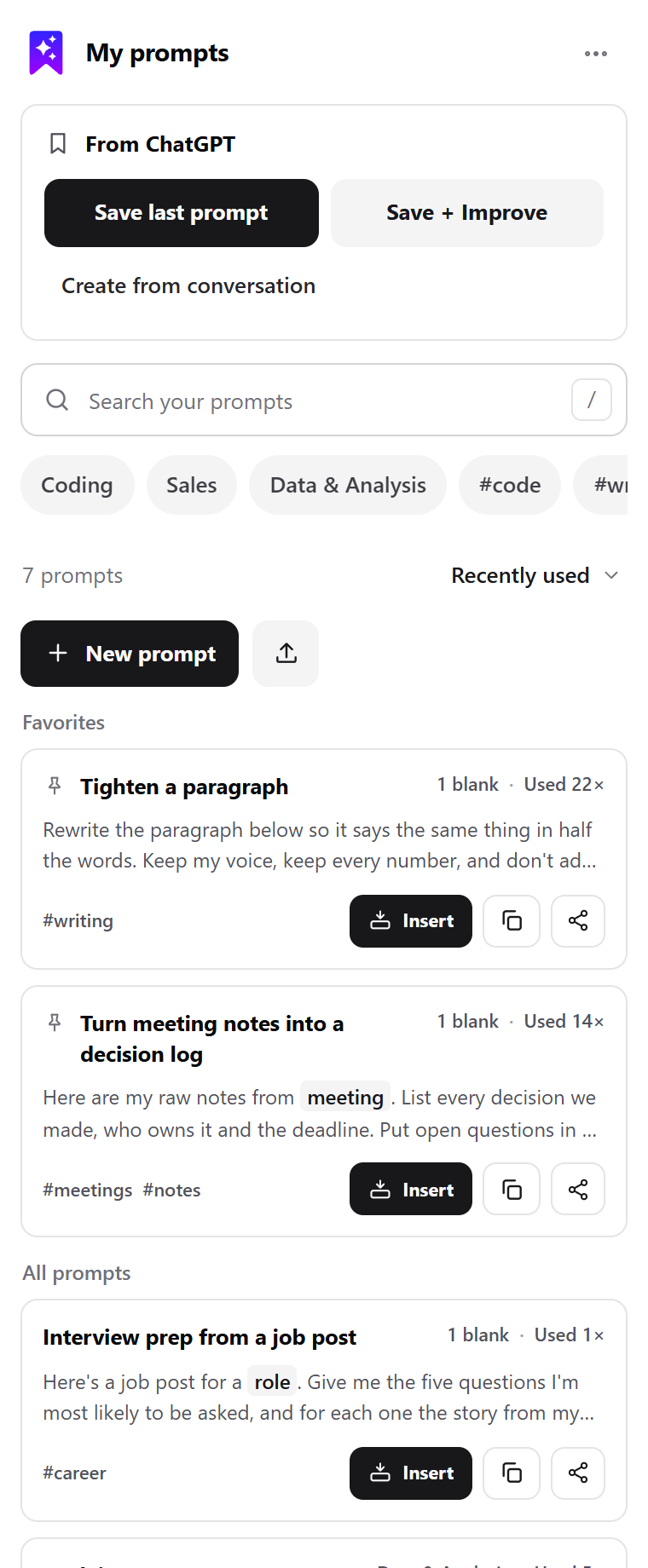
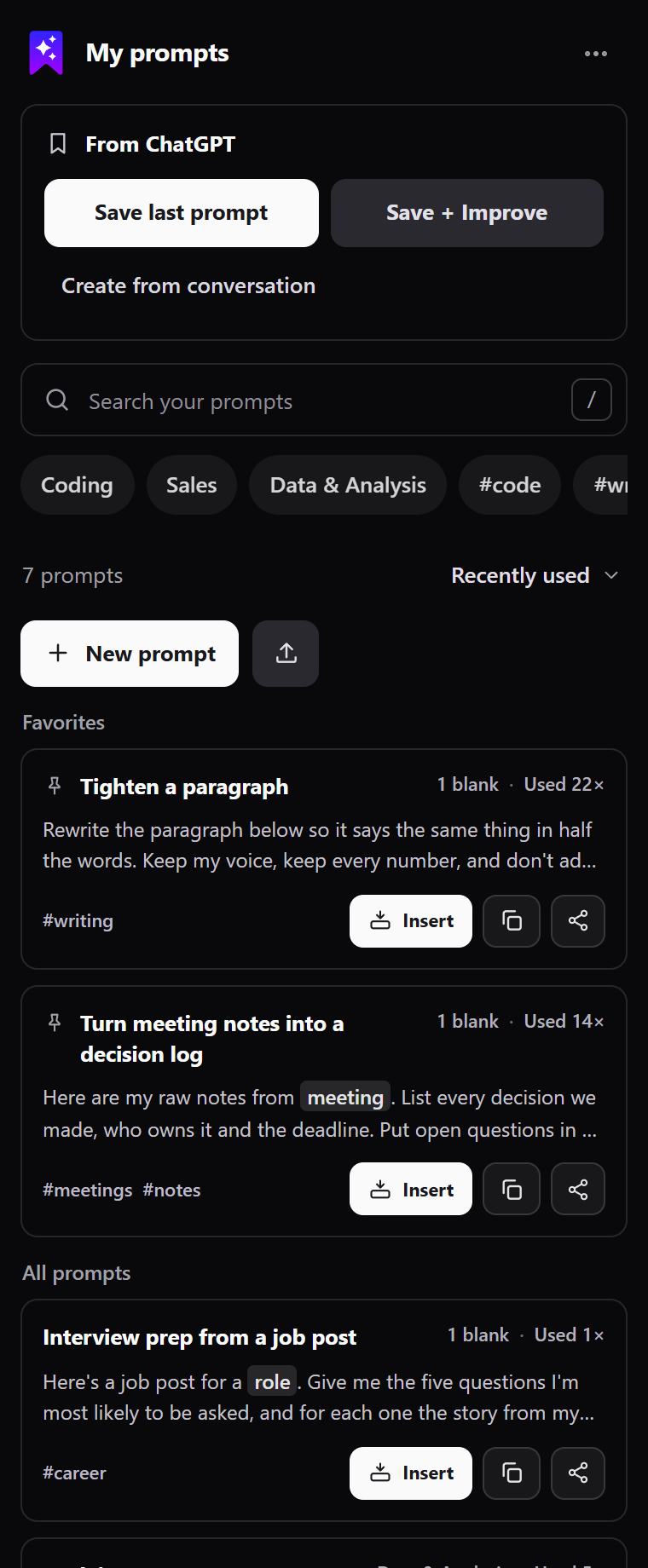
Keep the prompts that work
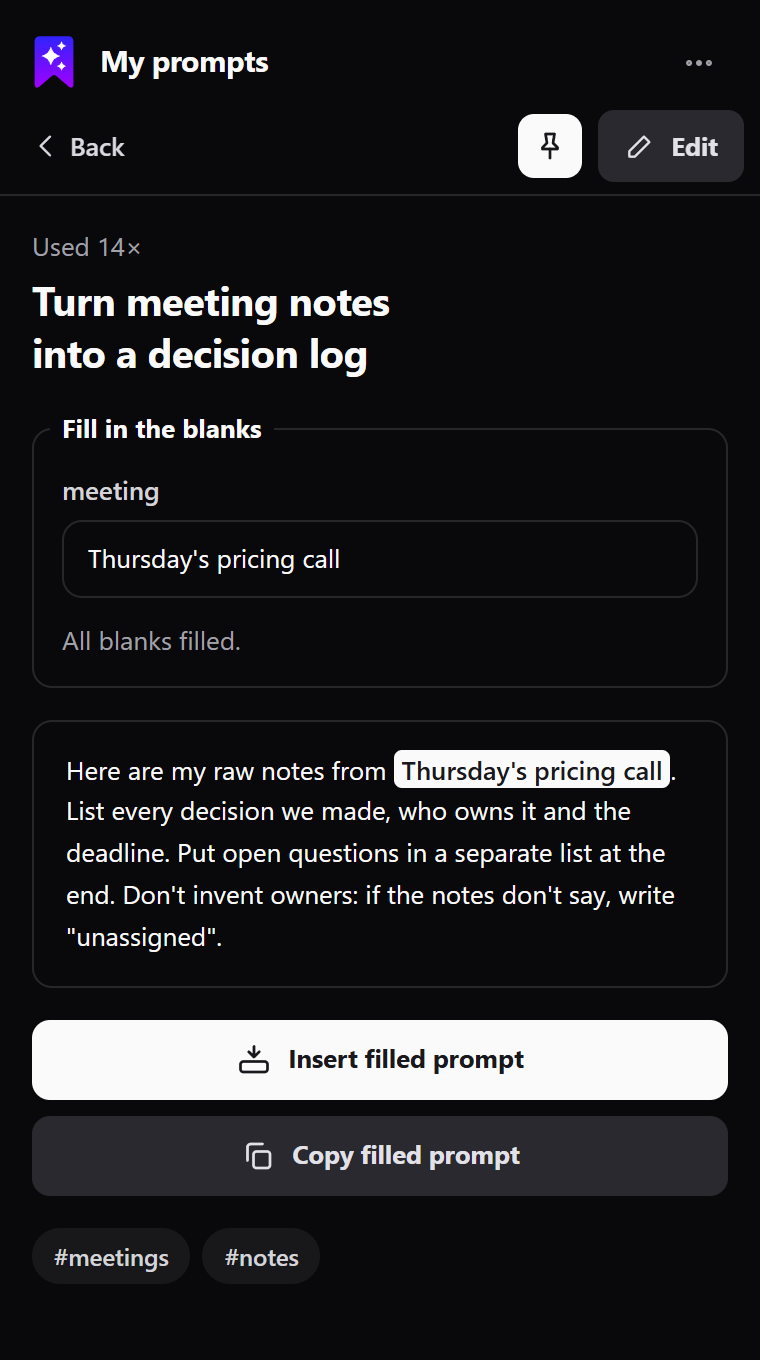
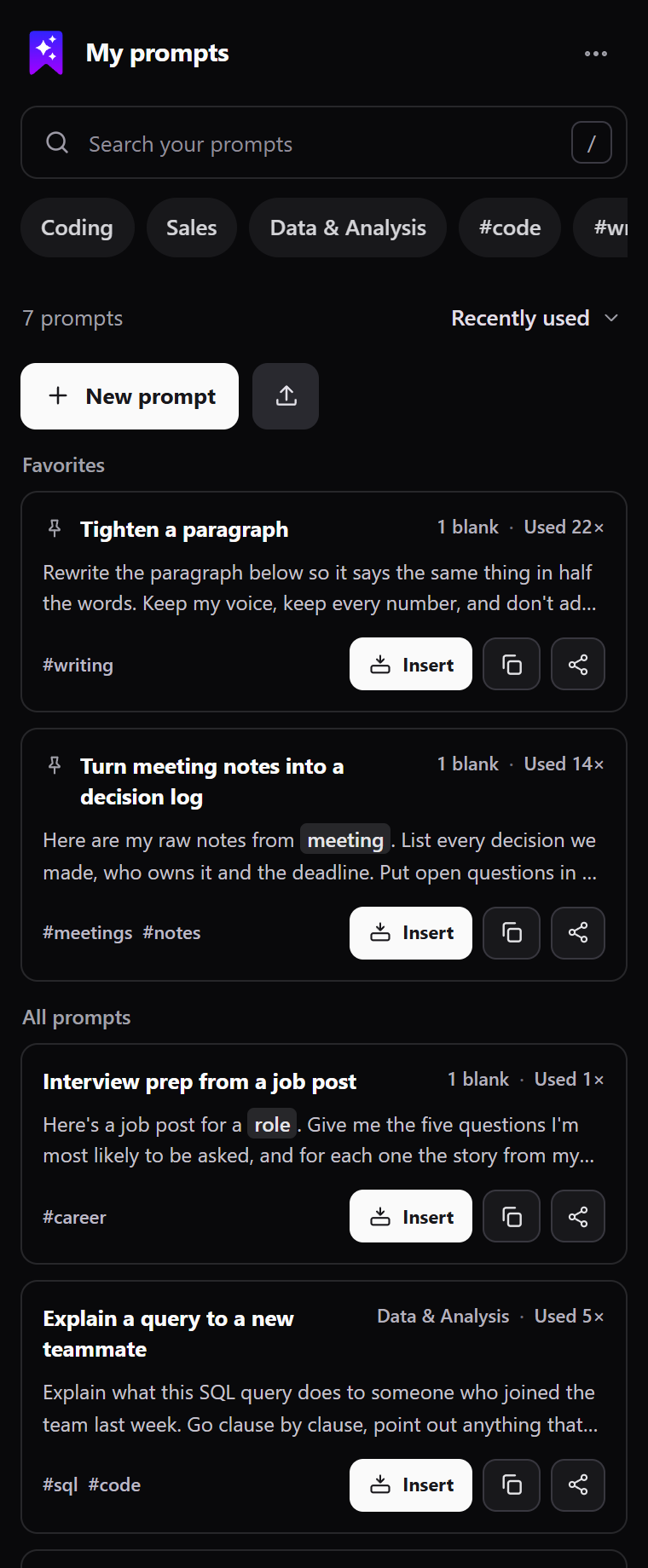
A useful prompt is worth more than one conversation. Give it a clear name, organise it with tags or boards, and reuse it instead of rebuilding it from memory. Your library is at savemyprompts.net and syncs with the extension.
Organise repeatable work with boards
Group prompts for a client, a launch, a report, a course or any job you repeat. Keep a board private, or on Pro share it with collaborators, by link or publicly. Anyone with the link can open a link-shared board, so check what's on it before you share it.
Add collaboratorsPro
Send an email invite or a join link. Collaborators open and copy the board's prompts; they can't change them.
Publish itPro
Share it by link, or make it public with its own page, view stats and a Report link.
Use the library in your workflow
Connect ChatGPT, Claude, Claude Code or Cursor with one link, then ask for a saved prompt by name, or save one without leaving the conversation. Save My Prompts will also be in ChatGPT's app directory once OpenAI's review is done.
Connect your AI$ claude mcp add --transport http savemyprompts \
https://api.savemyprompts.net/mcp
> Use my "Read a stack trace with me" prompt on this error.Your prompts are yours.
Private by default
Nobody sees your prompts unless you share a board with them.
Yours to take
Export everything as JSON, CSV or Markdown, on every plan, whenever you like.
Not training data
We never use your prompts to train AI, we don't sell your data, and there are no ads in the extension.
Free to start
Free keeps 50 prompts and 2 private boards, with 20 prompt improvements a month in ChatGPT, Claude and Cursor (Improve in the extension is unlimited). Pro keeps as many prompts and boards as you like (fair use) and lets you share boards with collaborators.
Free
$0forever
No card needed.
- 50 prompts
- 2 private boards
- The extension and AI apps
- Export everything, any time
Pro
Coming soon$3.99/ month
or $29 a year, 39% less
- Share boards with collaborators
- Publish boards by link or publicly
- Unlimited prompts (fair use)
- 100 versions per prompt
- Board view stats for 12 months and all time
Frequently asked questions
Do I need the browser extension?
No. Your library works on the website, and connecting an AI app is separate: you can connect ChatGPT, Claude, Claude Code or Cursor with one link. Save My Prompts will also be in ChatGPT's app directory once OpenAI's review is done. The extension adds a side panel beside the chat, with one-click Insert and saving straight from the conversation. It's free in the Chrome Web Store and Microsoft Edge Add-ons.
About the extensionDoes it work on a phone?
The library works in your phone's browser. The extension needs Chrome or Edge on a computer.
Which AI tools are supported?
The extension works on ChatGPT, Claude, Gemini and Perplexity, and Insert also works on Copilot; anywhere else it copies a prompt for you to paste. Inside your AI, you can connect ChatGPT, Claude, Claude Code, Cursor and other apps that support MCP with one link. Save My Prompts will also be in ChatGPT's app directory once OpenAI's review is done.
Connect your AICan anyone else see my prompts?
Not unless you share a board. Your library is private to you, and a shared board shows only the prompts on it, so check what's on a board before you share it. We never use your prompts to train AI models, and we don't sell your data.
Privacy policyCan I export my prompts?
Yes, on every plan, whenever you like. Your prompts are kept in your account, so they're the same on the website, in the extension and in your AI apps. Download a JSON backup or a CSV file from Account settings on the website, or a JSON backup or one Markdown file from the extension's settings.
Your dataIs it free?
Yes. Free keeps 50 prompts, 2 private boards and 20 prompt improvements a month in ChatGPT, Claude and Cursor (Improve in the extension is unlimited). Pro keeps as many prompts and boards as you like and lets you share boards with collaborators, by link or publicly.
PricingWhat can the extension see?
It puts a prompt in the chat box when you click Insert. On ChatGPT, Claude, Gemini and Perplexity it also checks your draft in the chat box, on your computer, for the Improve hint and suggestions, and reads a chat's messages only when you click a save button. Nothing from a page is sent to us except a prompt you choose to save and where it came from. It never reads your browsing history.
Every permission, explainedSomething else? Ask us.
Start with one prompt you already trust.
Save it, name it clearly, and turn the details that change into blanks. Free for your first 50 prompts.
The extension runs in Chrome or Edge on a computer. Start free here, and add it when you're at your desk.
The extension is free in the Chrome Web Store and Microsoft Edge Add-ons.
Continue with Google · No card