

If you use AI every day, you've probably written a prompt that worked brilliantly and then struggled to find it again. Now imagine five colleagues doing the same thing. That's the problem a prompt manager should solve.
The best prompt management tools depend on how you work. Some help you save and share instructions for ChatGPT, Claude and Gemini. Others help developers test and deploy prompts inside software. We compared ten options, starting with tools that make sense for individuals and small businesses.
How we prepared this comparison: Save My Prompts publishes this article and is one of the products listed. We reviewed the vendors' publicly available product and documentation pages on 10 November 2026. We have not signed into or independently tested all ten platforms. We therefore compare documented capabilities and workflow fit, not speed, reliability or customer satisfaction. You can follow the links in each section to check the underlying claims.
Ten prompt management tools at a glance
| Tool | Best for | Main strength |
|---|---|---|
| Save My Prompts | Individuals, small businesses and teams | Shared libraries on the web and in the browser extension |
| SpacePrompts | Everyday AI users and small teams | Extension, shared workspaces, version history and Playground |
| PromptDrive | Teams sharing prompts and AI chats | Folders, variables and chat collaboration |
| Prompt Wallet | Teams organising shared knowledge | Private and shared libraries, version history |
| PromptPanda | Marketing and GTM teams | Brand consistency and reusable prompts |
| AIPRM | Marketers discovering templates | Ready-made prompts and team lists |
| PromptLayer | AI product teams | Prompt registry and testing |
| Langfuse | Technical teams | Versioned prompts and tracing |
| LangSmith | LangChain teams | Experiments and evaluation |
| Braintrust | Production AI teams | Evaluations and monitoring |
The first six are closer to tools used by employees in AI chats. The final four focus on applications that run prompts programmatically.
1. Save My Prompts: a practical library for small teams
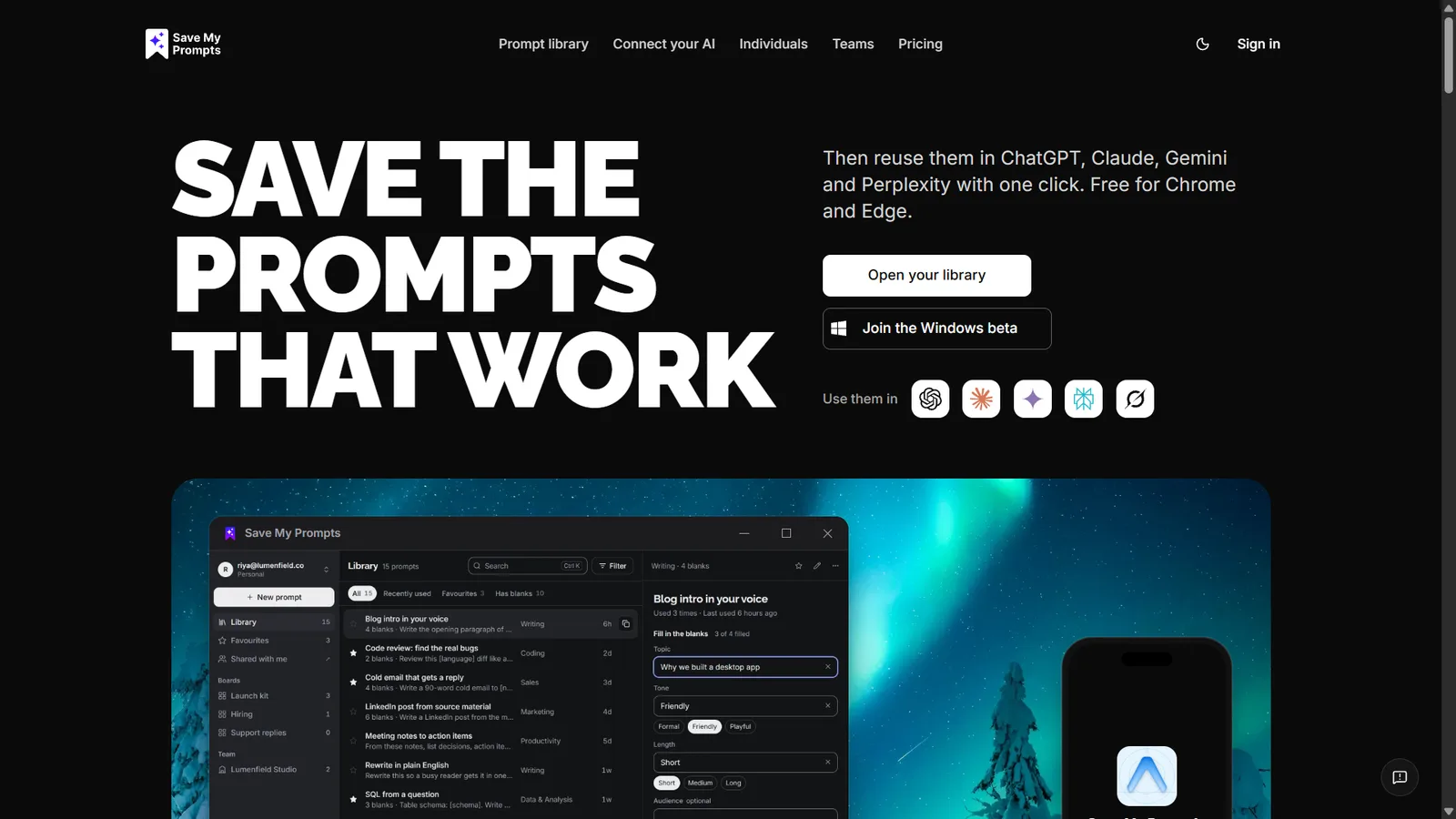
Save My Prompts helps people save, organise, find and reuse prompts that already work. Its library supports tags, boards, reusable blanks and version history.
It works on the web and through a Chrome and Edge extension, with Windows and Mac apps in beta and a phone app on the way. The browser extension provides convenient access beside supported AI chats; AI app connections also let you find prompts inside connected applications.
For collaboration, Save My Prompts Teams includes a shared library, viewing and editing permissions, team boards and pinned prompts. Standard team sizes are five or ten people, as explained in the Teams guide.
Example: A marketing agency saves an approved campaign brief prompt. Each employee fills in the client's product, audience and objective instead of rewriting the structure. The agency can revise the shared version when its process improves.
Who should consider it: Freelancers, agencies, small businesses, marketing teams and operations groups.
Where it may fall short: It is not designed to trace production LLM requests or deploy application prompt versions.
Screenshot: Save My Prompts' home page.
2. SpacePrompts: closest alternative for everyday prompt management
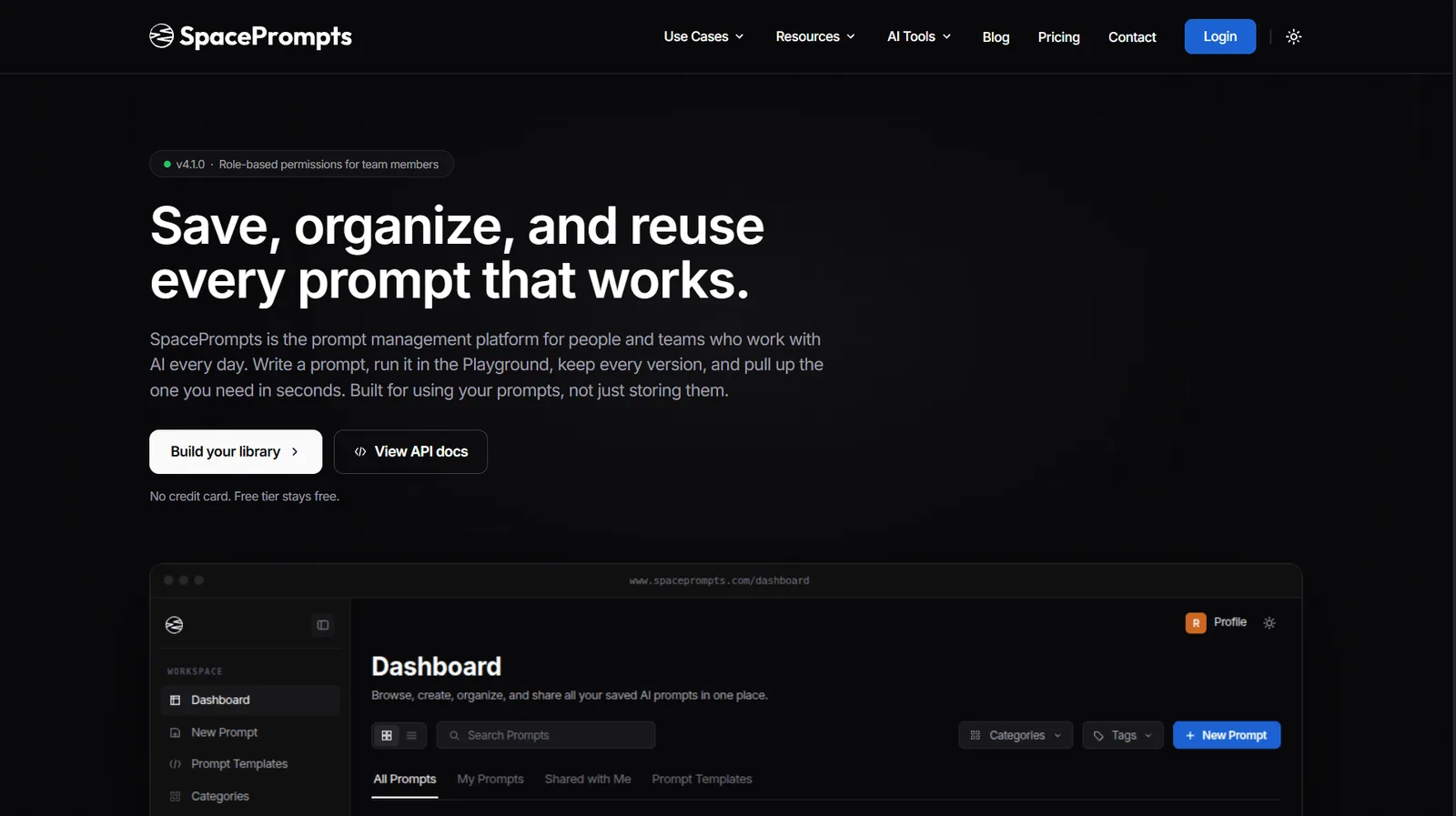
SpacePrompts is a direct alternative to Save My Prompts. It provides a searchable library, browser extension, reusable variables, prompt versions and shared team workspaces with role-based access. Its Playground and Enhancer also help users run and improve prompts before saving them. The platform supports API retrieval for developers.
Who should consider it: Individuals and small teams who want prompt reuse combined with in-app experimentation.
What to check: Built-in enhancement and Playground features may be unnecessary if your workflow is primarily saving and reusing prompts in existing AI chats.
Screenshot: SpacePrompts' home page. Its team features have their own page. See current pricing.
3. PromptDrive: for prompt sharing and collaborative AI chats
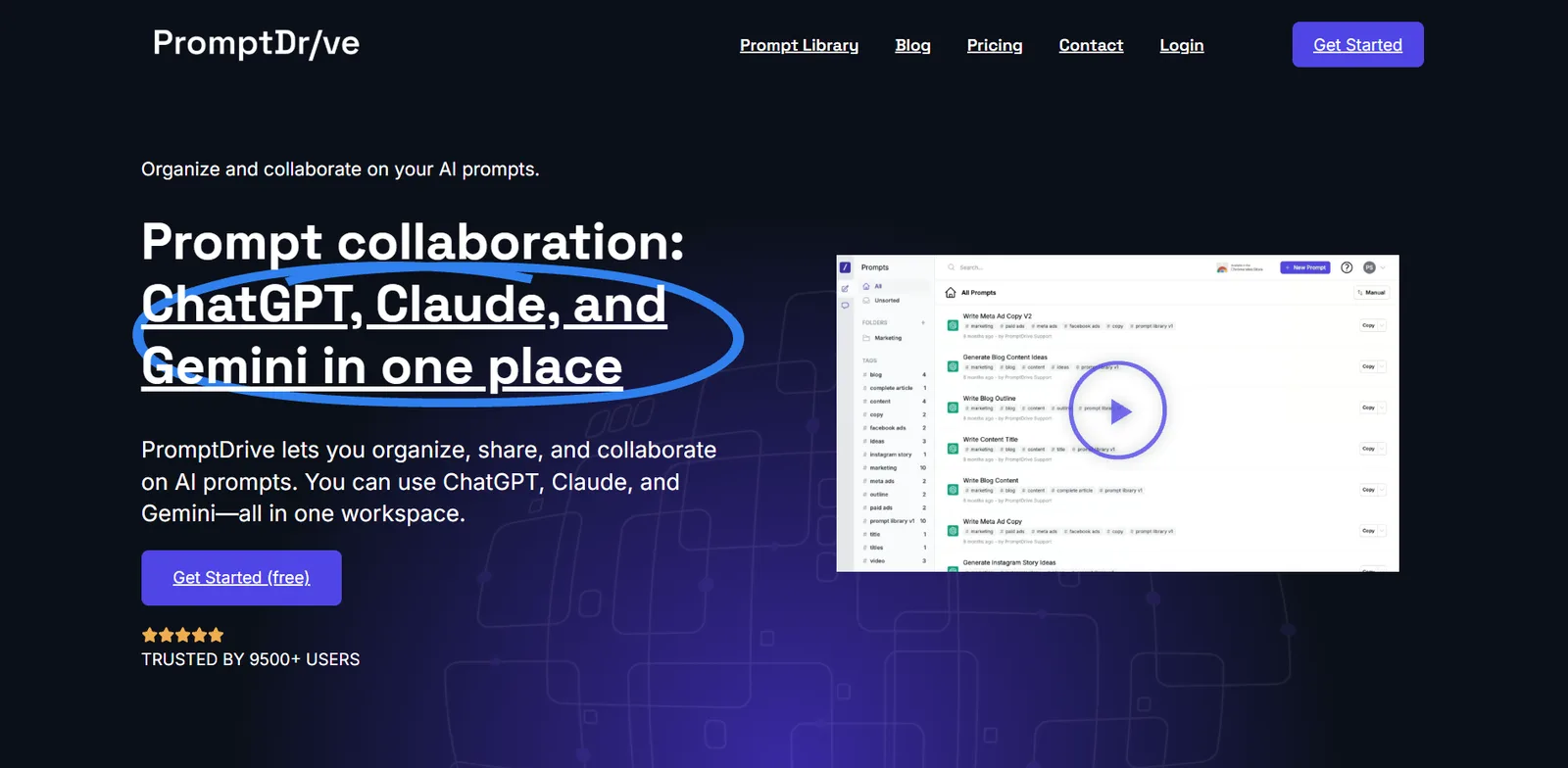
PromptDrive provides folders, tags, search, reusable variables and shareable prompts. Its Chrome extension makes prompts accessible beside supported AI tools. Its Business plan adds collaborative AI chats using customer-supplied API keys.
Who should consider it: Agencies and teams organising client prompts and collaborating on AI outputs.
What to check: API usage costs apply to its collaborative chat offering. Its Chrome Web Store listing shows a May 2025 update; test current compatibility before committing.
Screenshot: PromptDrive's home page.
4. Prompt Wallet: for structured shared prompt libraries
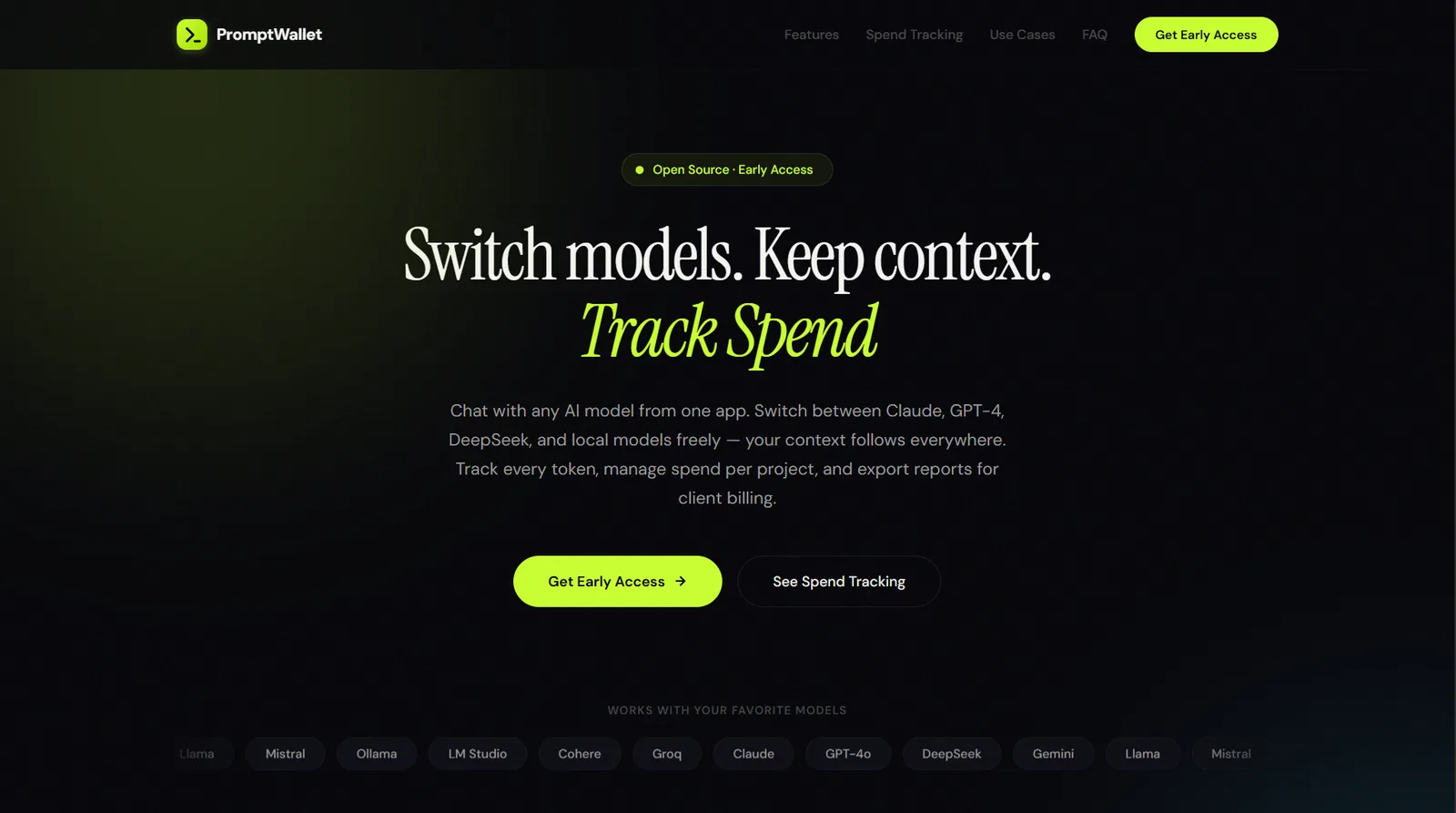
Prompt Wallet provides searchable libraries, Markdown support, tags, version control and private and shared team workspaces. Its team roles include Owner, Admin, Editor and Viewer.
Who should consider it: Small businesses needing a central prompt vault with controlled team access.
What to check: Check its workflow integration with your preferred AI applications if direct in-chat prompt insertion matters.
Screenshot: Prompt Wallet's home page.
5. PromptPanda: for marketing and GTM teams
PromptPanda positions itself around consistent AI marketing. Its product describes team prompt management, brand-voice consistency, reusable variables, a prompt-quality improver and extension access.
Who should consider it: Marketing, content and sales teams maintaining standardised prompts.
What to check: Its marketing specialisation may be less relevant to broader technical or operations teams.
Official visual reference: PromptPanda product website.
6. AIPRM: for discovering ready-made prompts
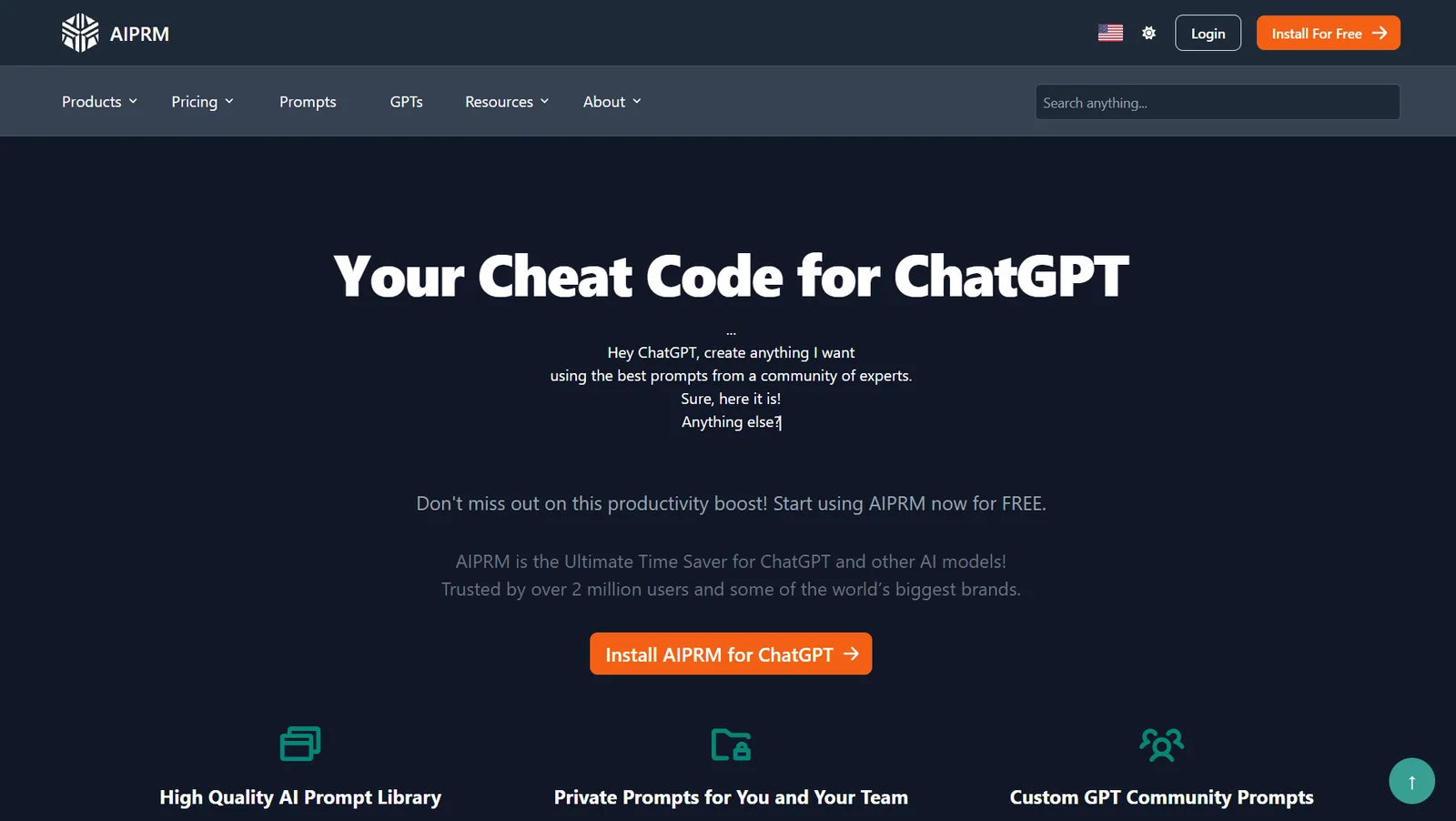
AIPRM helps people discover prompts for writing, SEO, marketing and business tasks. It offers an existing collection of templates that users can adapt to their own work.
Its Teams feature lets organisations share selected prompts and prompt lists with members.
Example: A small retailer explores templates for product descriptions and adapts one to its own product facts and writing style.
Who should consider it: Marketers, SEO professionals and businesses seeking prompt ideas.
Where it may fall short: A popular template does not guarantee accurate or suitable output. Review it before using it for customers.
Screenshot: AIPRM's home page. Its prompt browsing tutorial shows the library in use.
7. PromptLayer: for AI product teams
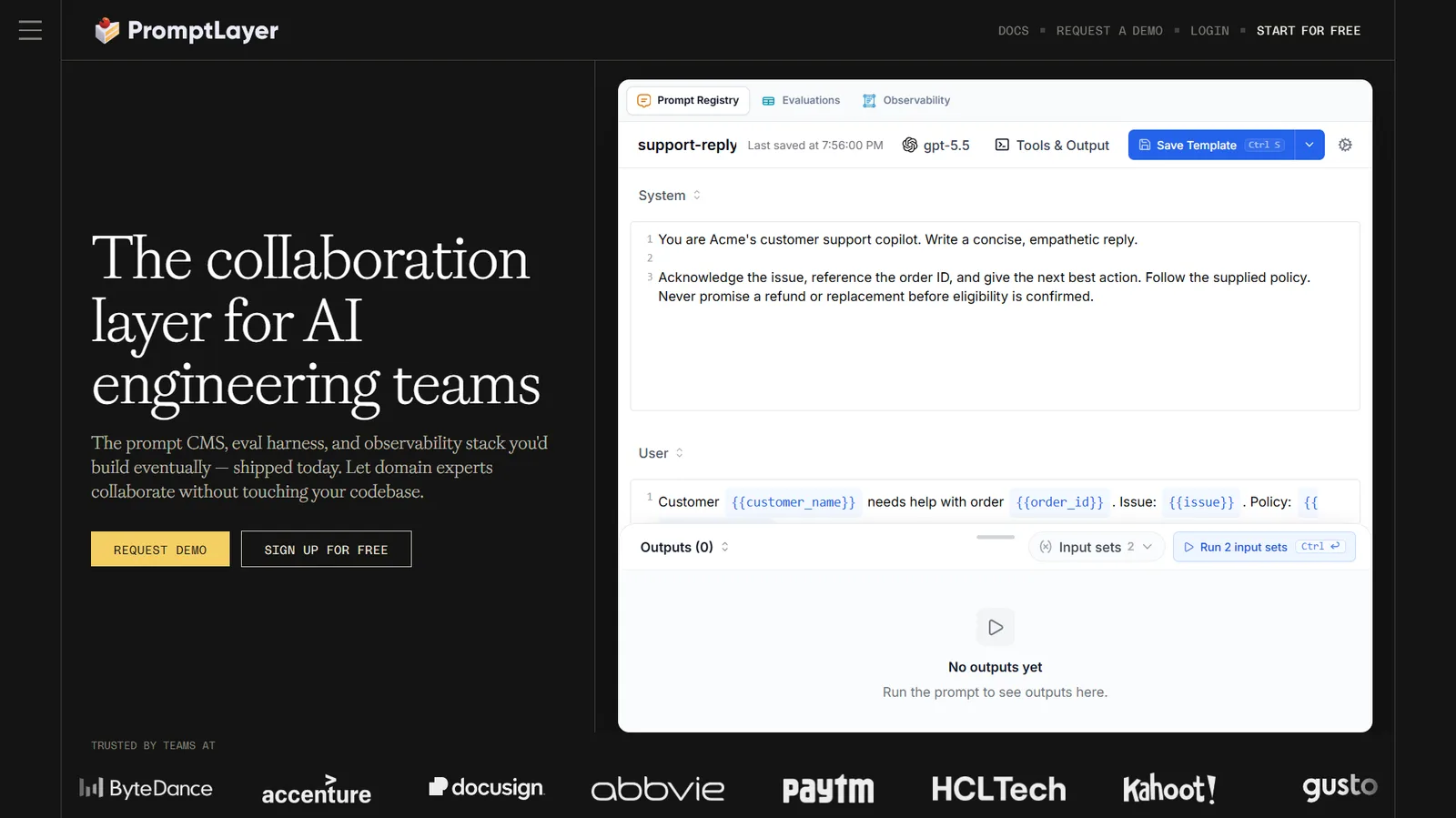
PromptLayer provides a central place to manage prompts used by AI applications. Its registry and versioning workflows help teams edit, test and release instructions.
Example: A SaaS company changes a customer-support prompt and tests the new version against common customer questions before release.
Who should consider it: Developers and product teams building AI-powered features.
Where it may fall short: A production workflow is unnecessary if you only want to copy saved prompts into ChatGPT.
Screenshot: PromptLayer's home page, with its Prompt Registry editor. More in PromptLayer's prompt registry article.
8. Langfuse: for prompt versioning and observability
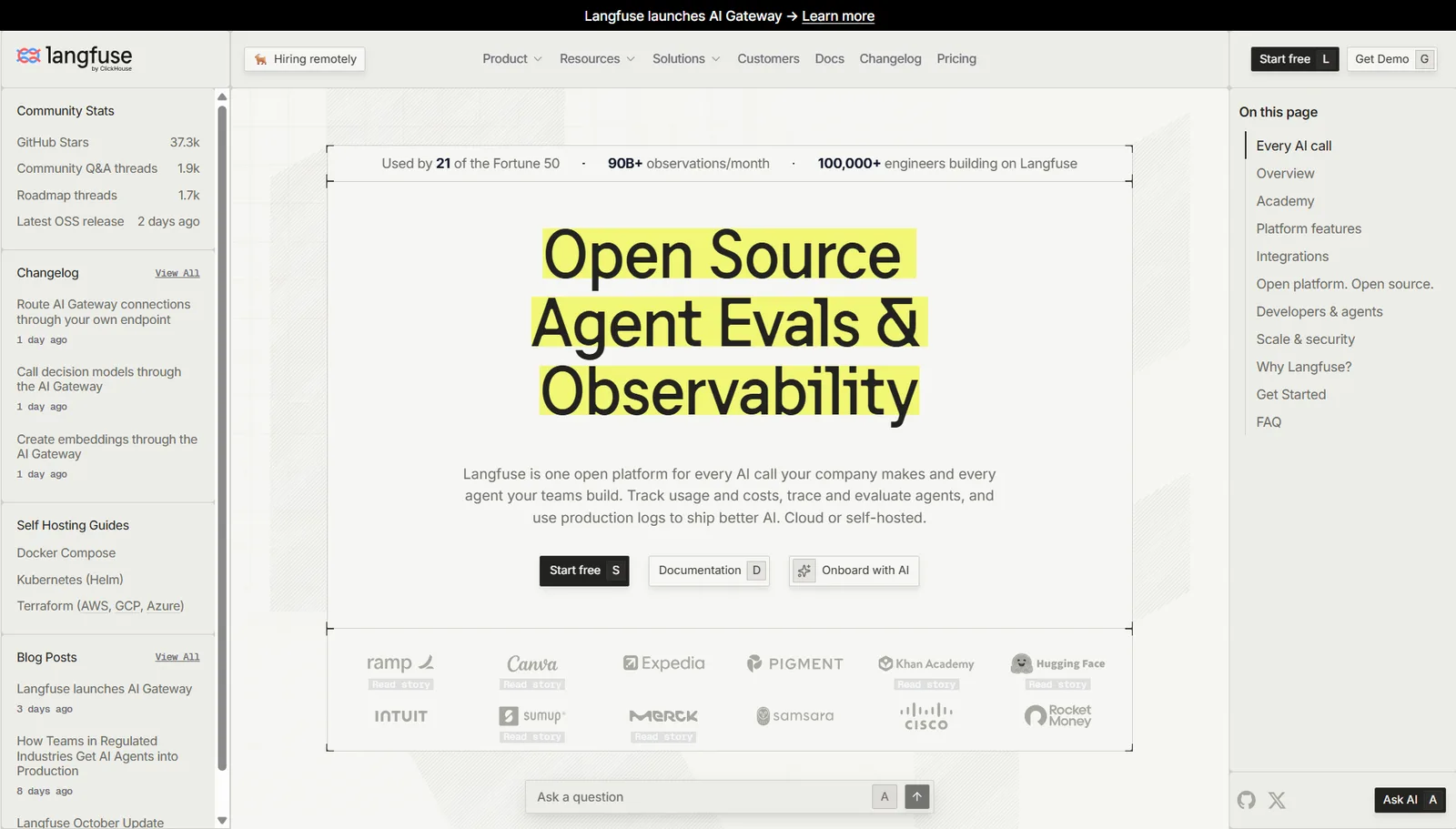
Langfuse is an open-source AI engineering platform. Its documentation describes centrally managed prompts, versions, deployment labels and links to application traces.
Example: A document-processing application starts producing incorrect classifications. Developers can inspect the execution and the prompt version associated with it.
Who should consider it: Engineers who need prompt management connected to monitoring and evaluation.
Where it may fall short: Getting full value generally requires technical integration.
Screenshot: Langfuse's home page. Mirascope's Langfuse walkthrough shows its prompt management screens.
9. LangSmith: for LangChain and LangGraph developers
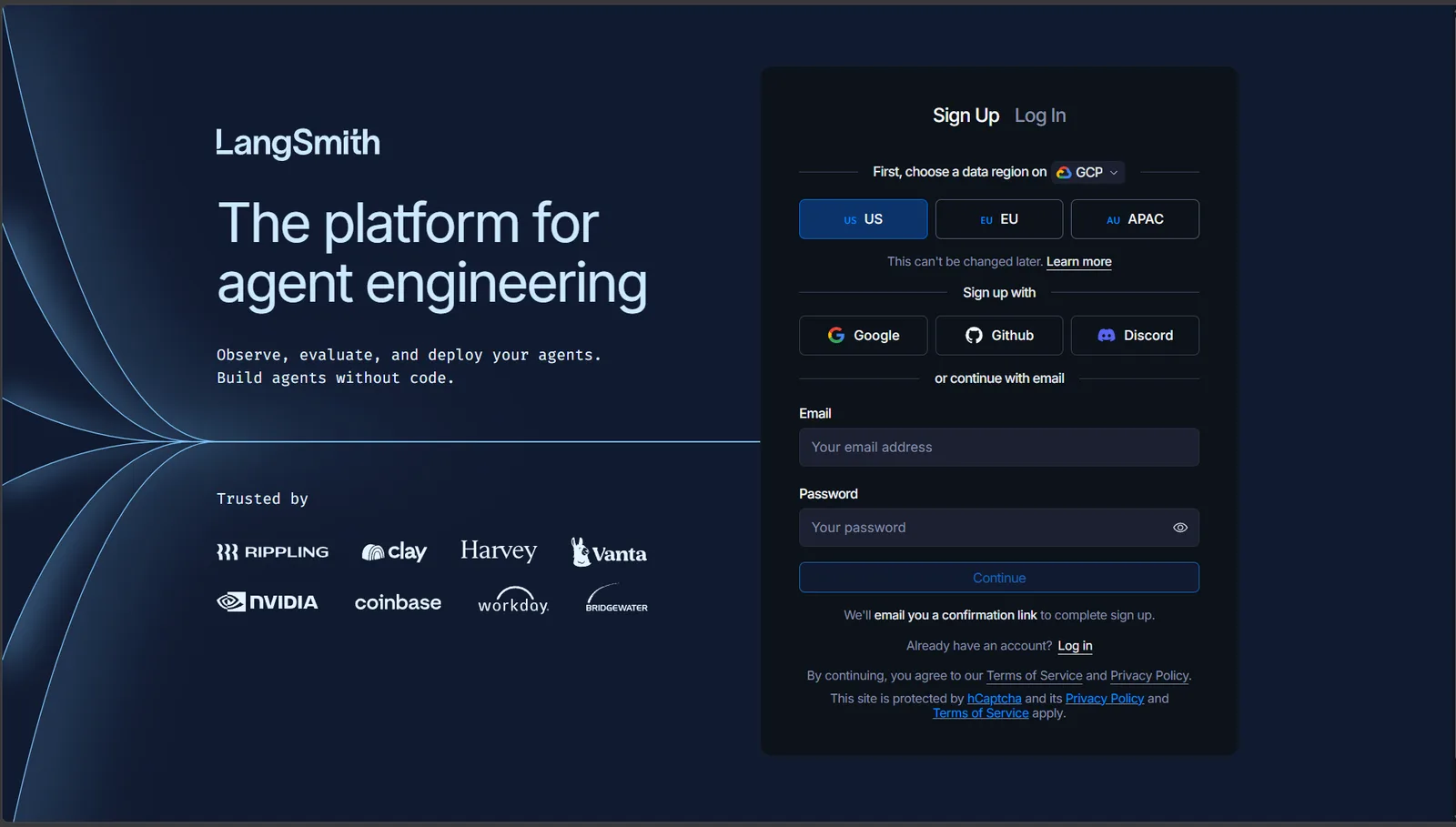
LangSmith combines prompt development with traces, experiments and evaluations. This helps developers check whether a prompt revision improves representative tasks.
Example: A research assistant's prompt is revised, then evaluated against a consistent question set before use.
Who should consider it: Teams already developing AI applications with LangChain or LangGraph.
Where it may fall short: Its engineering capabilities may be unnecessary for a small business that only needs a shared library.
Screenshot: LangSmith's sign-up page. Its evaluation page shows the Prompt Canvas.
10. Braintrust: for teams evaluating production AI
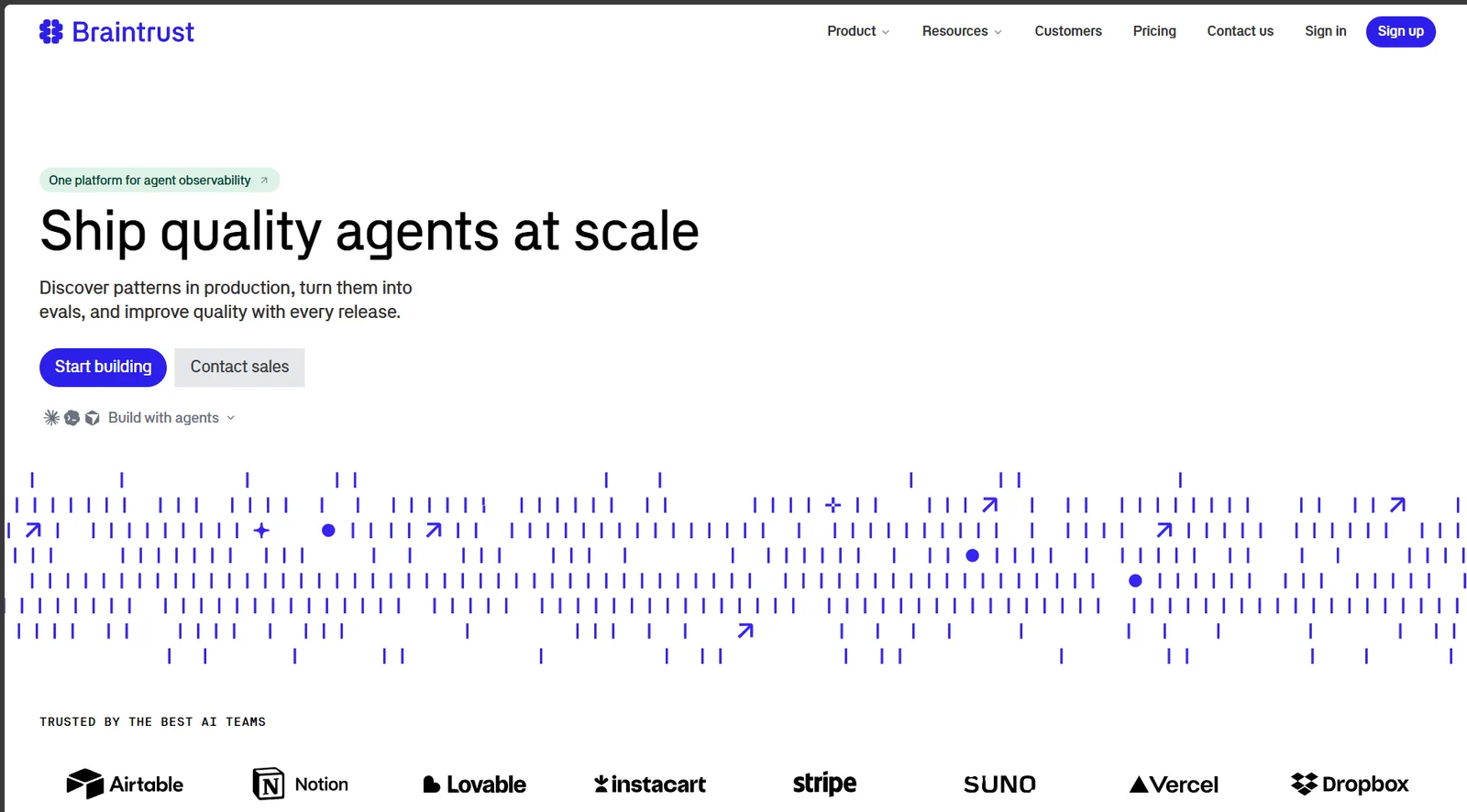
Braintrust combines prompt iteration with datasets, evaluations and monitoring. Its guide to prompt management explains how to measure quality before deploying changes.
Example: A company compares two customer-service prompts across refund, delivery and account questions, rather than judging one good response.
Who should consider it: Product and engineering teams responsible for reliable, customer-facing AI applications.
Where it may fall short: The platform's evaluation depth is more than most personal or small-team prompt libraries require.
Screenshot: Braintrust's home page. Its prompt engineering tools article shows the evaluation interface.
Which prompt management tool makes sense for a small business?
Most small businesses aren't building AI products. They're trying to get useful work done without starting from scratch every time. Common tasks include proposals, meeting summaries, outreach emails, product descriptions and social posts.
Prioritise five capabilities:
- Easy discovery: Staff can find a saved prompt by its purpose.
- Reusable variables: People fill in customer, product and audience information without rewriting instructions.
- Access across devices: The library suits web, desktop and mobile workflows.
- Team control: Approved prompts can be shared, updated and restored.
- Portability and privacy: The business understands its data options and can export prompts.
AIPRM is useful when the main need is discovering templates. Save My Prompts is aimed at building and reusing your own library across a small team. PromptLayer, Langfuse, LangSmith and Braintrust are more relevant when prompts power software products.
Try this with five prompts before paying for a tool
You don't need a library of 500 prompts on day one. Ask colleagues for five prompts they have actually used more than once. A small, trusted collection is easier to maintain than a huge folder of untested templates. Give each a clear title, an owner, a description of when to use it and a few variables.
For example:
Act as a campaign strategist. Write a one-page brief using only the information provided.

Product: {{product_information}}
Audience: {{audience}}
Goal: {{objective}}
Brand voice: {{brand_voice}}

Include the core message, three evidence-backed benefits, recommended channels and a measurement plan.
List missing information separately. Do not invent facts.
Test the prompt on real work, then save the reliable version. Our guides on reusable prompt templates and organising ChatGPT prompts explain how to structure a growing library.
How to choose without getting distracted by feature lists
Start with the prompt you use most often. Try saving it, finding it again and reusing it in your preferred AI tool. Then share it with a colleague and ask them to do the same without instructions.
If that takes too many steps, more advanced features won't make the experience better. For a small business, also check who can edit shared prompts, what happens when an employee leaves and whether the library can be exported.
Our comparison criteria: ease of retrieval, support for reusable variables, collaboration, cross-device access, versioning and whether the product is intended for everyday AI chat or developer deployment. We did not assign numerical scores because we have not tested every product under identical conditions.
Attributable sources and what we could not verify
The product names link to their official websites. The individual sections also link to product pages, documentation or interface examples. Features are reported as documented, not as independently verified performance results.
Pricing, supported AI websites and platform availability can change. Check each vendor's current plans and device requirements before purchasing. We have deliberately left out invented ratings, unverified customer counts and claims that one product is objectively the fastest or best.
For readers comparing our own product, Save My Prompts Teams describes collaboration, while our guide to reusable prompt templates shows the kind of instructions a shared library can hold.
Frequently asked questions
What are prompt management tools?
They help you save, organise, share or maintain AI prompts. Some focus on everyday use, while others support application testing and deployment.
Can a small business use a shared prompt library?
Yes. Shared prompts can make repeatable work easier to standardise and help new staff find the team's preferred instructions.
Do all prompt management tools have mobile apps?
No. Some offer desktop browser extensions, mobile web access or integrations instead of a native app. Check the vendor's current device support.
Can I use the same prompt in ChatGPT, Claude and Gemini?
Usually you can try it, but results may differ. Important instructions should be tested in each model.
When do I need a developer platform?
Consider one when prompts run automatically inside your own software and need versioning, evaluations, monitoring or controlled releases.
Our conclusion
The most useful prompt manager is the one people will open when they need a prompt. If your team works inside ChatGPT or Claude, pay attention to retrieval, sharing and how quickly a saved prompt gets back into the conversation. If you run an AI application, look more closely at evaluation, tracing and deployment.
If your staff use AI tools every day, explore Save My Prompts for Teams.
Disclosure: Save My Prompts publishes this article and is one of the products compared. Vendor capabilities were checked against public documentation on 10 November 2026. This is not an independent benchmark. Screenshots show each vendor's own website.